Team Management – Activity Log
by · MasLogin · October 14, 2025
Operation logs record and track users’ actions within environments and their login times. This is very useful for managing team members’ activities, helping ensure cybersecurity and activity transparency within the team.
1. Open Team Management
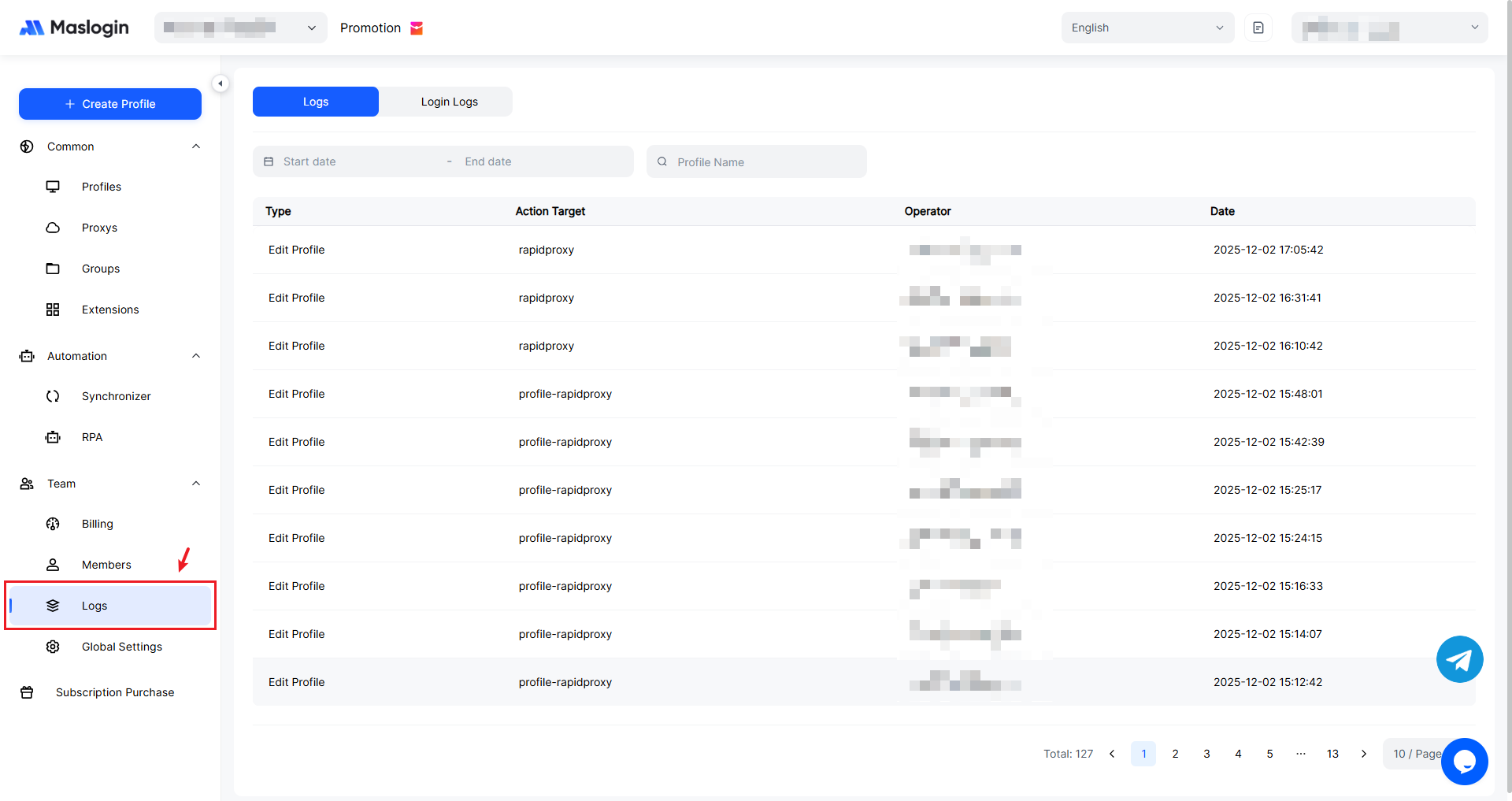
Open and sign in to MasLogin. In the left navigation bar, you can find 【Logs】 under 【Team】.
2. Switch Between Views
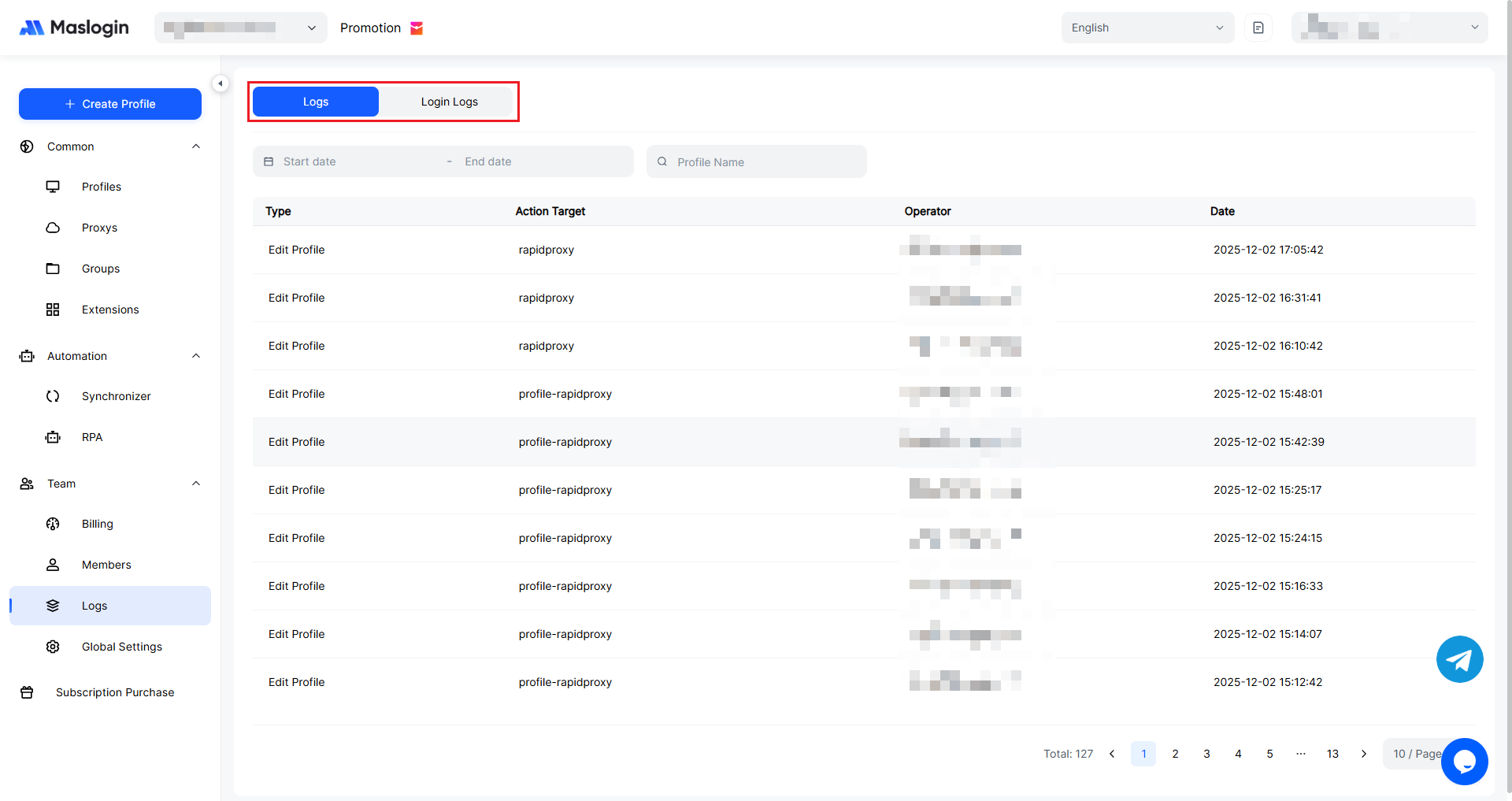
You can switch between Operation Logs and Login Logs to review activity traces.
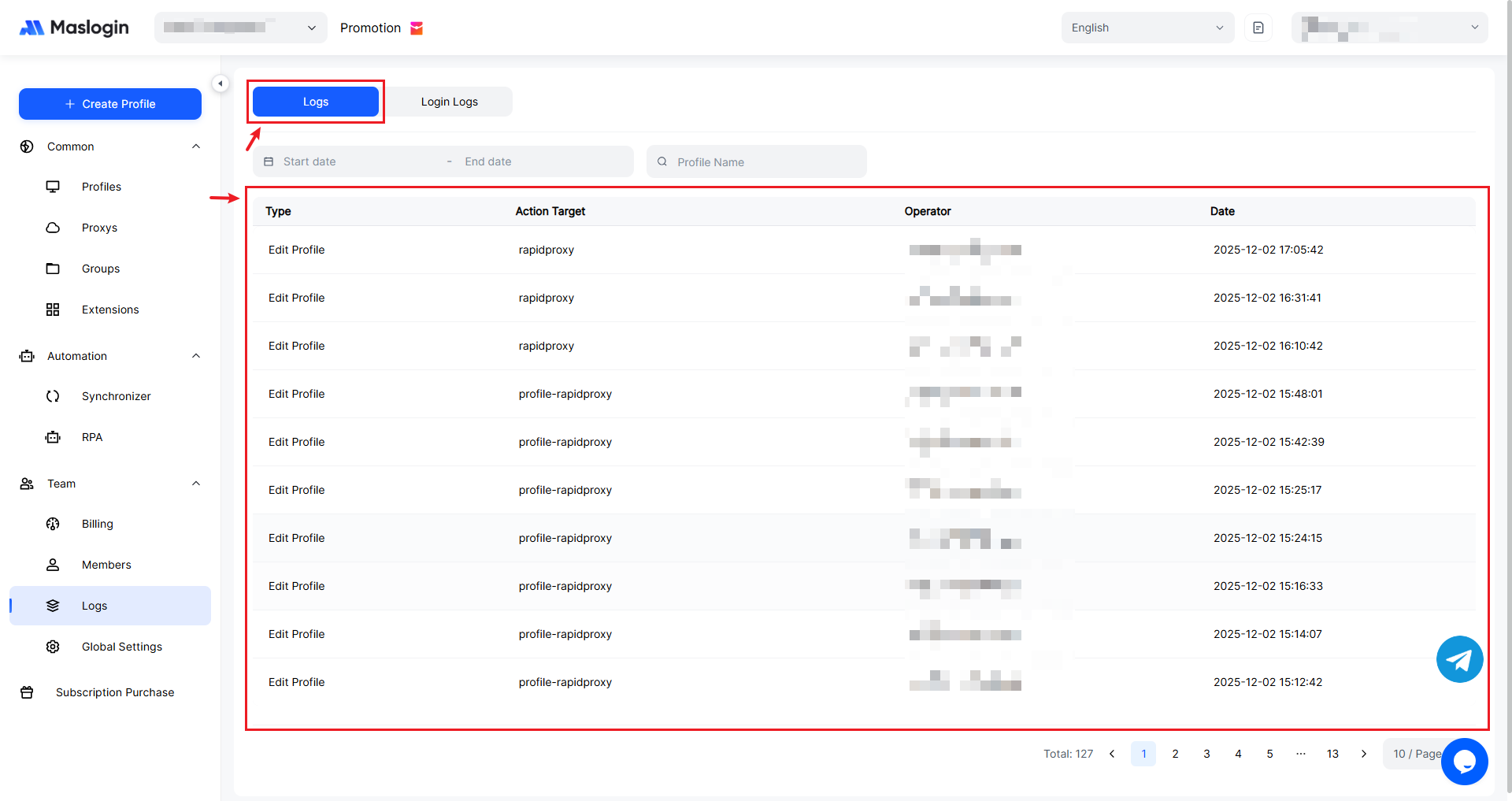
View Operation Logs
Operation Logs records and displays every operation performed by users under this account, including Operation Type, Target, Operator, and Operation Date.
View Login Logs
Login Logs records and displays every login activity for users under this account, including Login Type, IP Info, Status, Operator, and Operation Date.
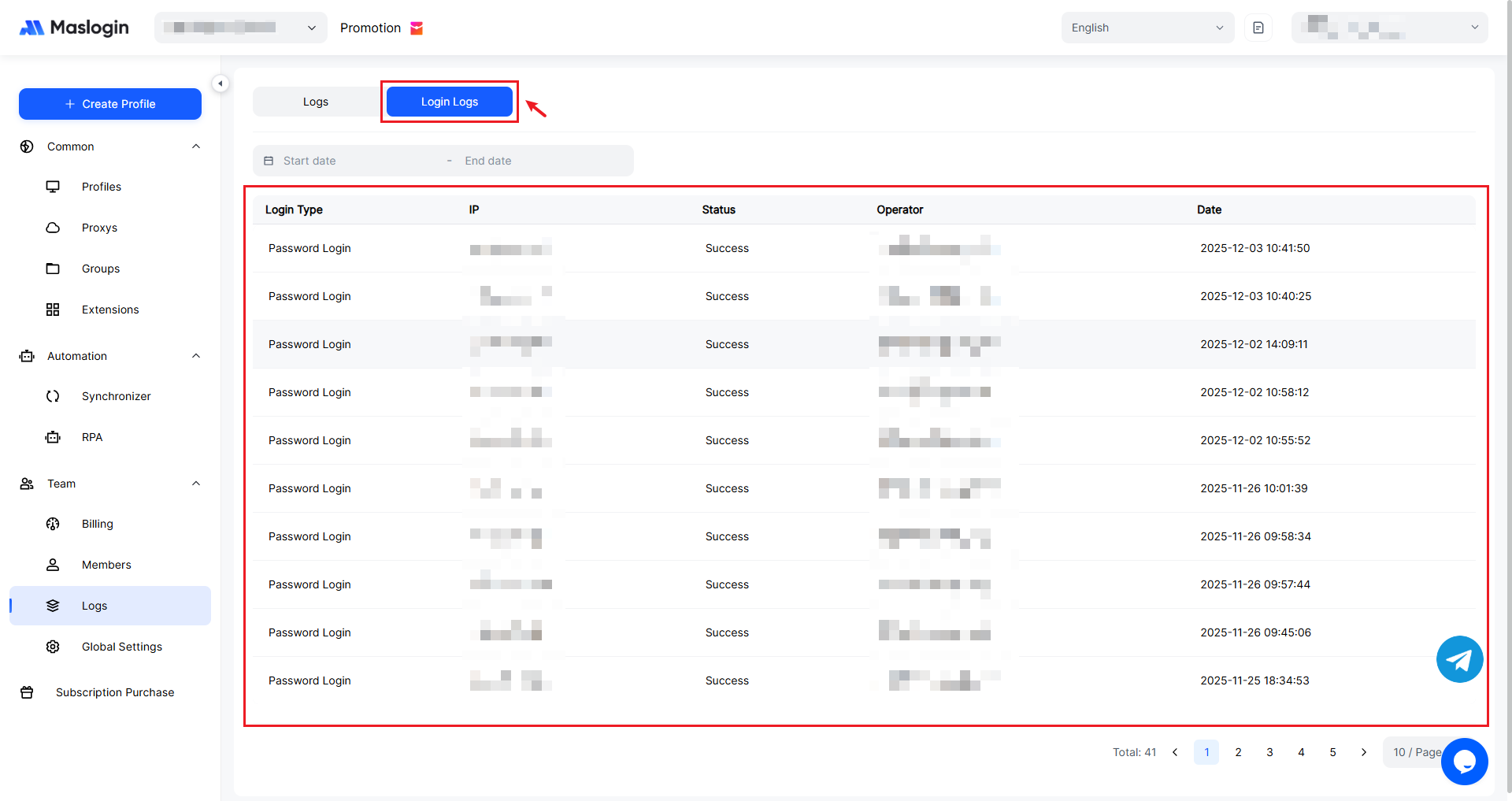
3. Filter Data
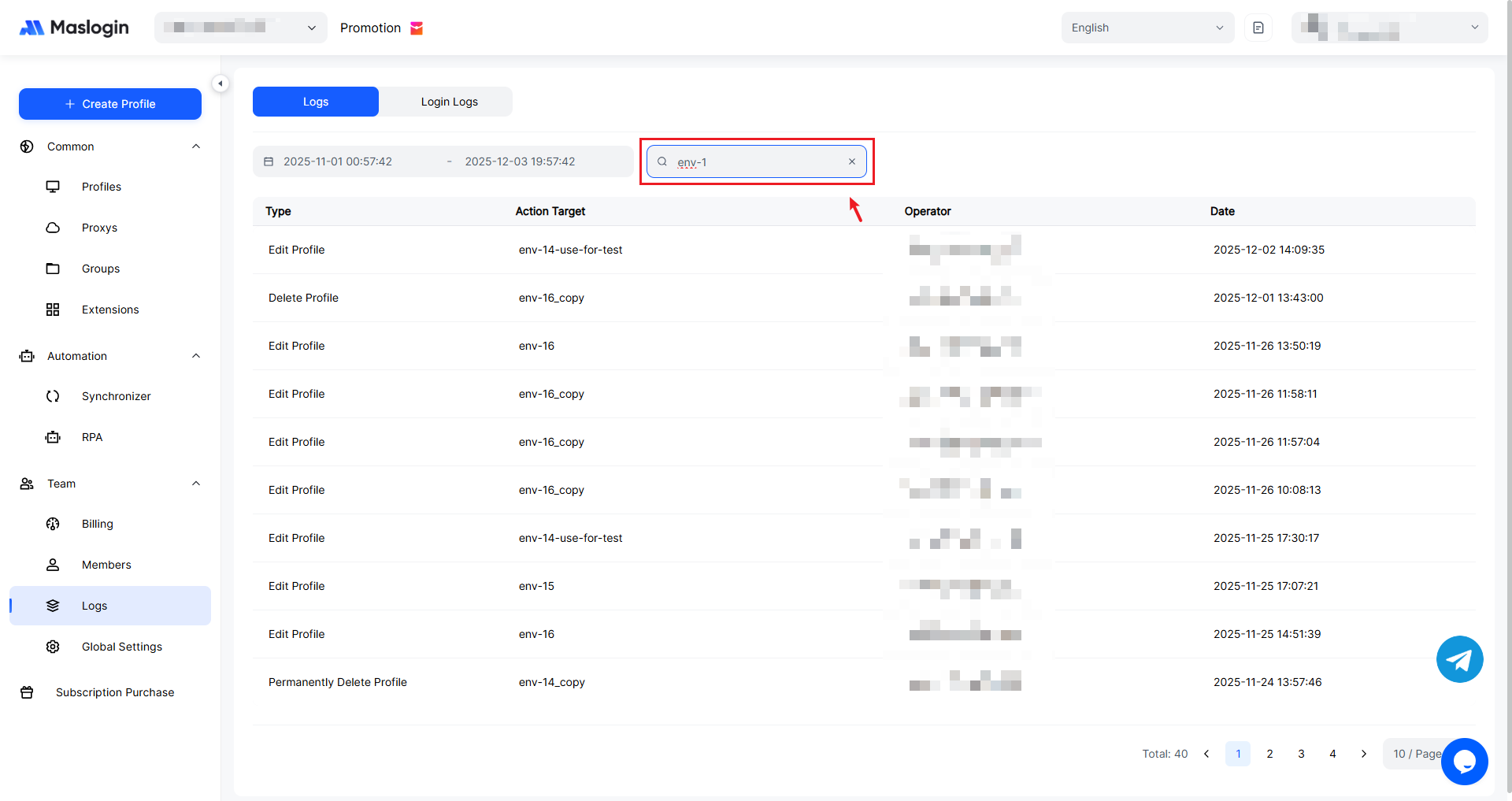
You can filter and view the corresponding log entries by date and environment name.
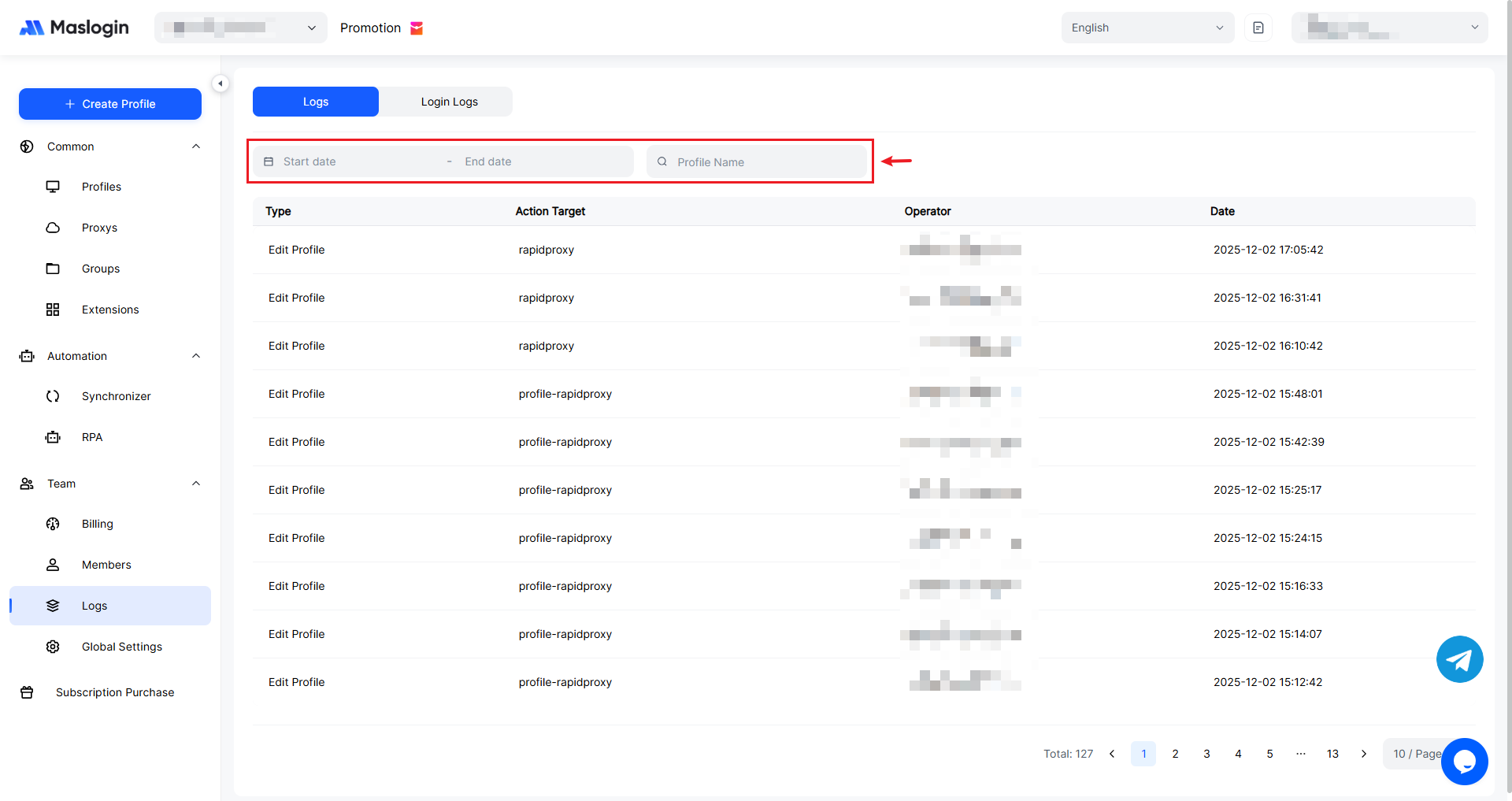
Time Filter can be precise down to a specific hour, minute, and second.
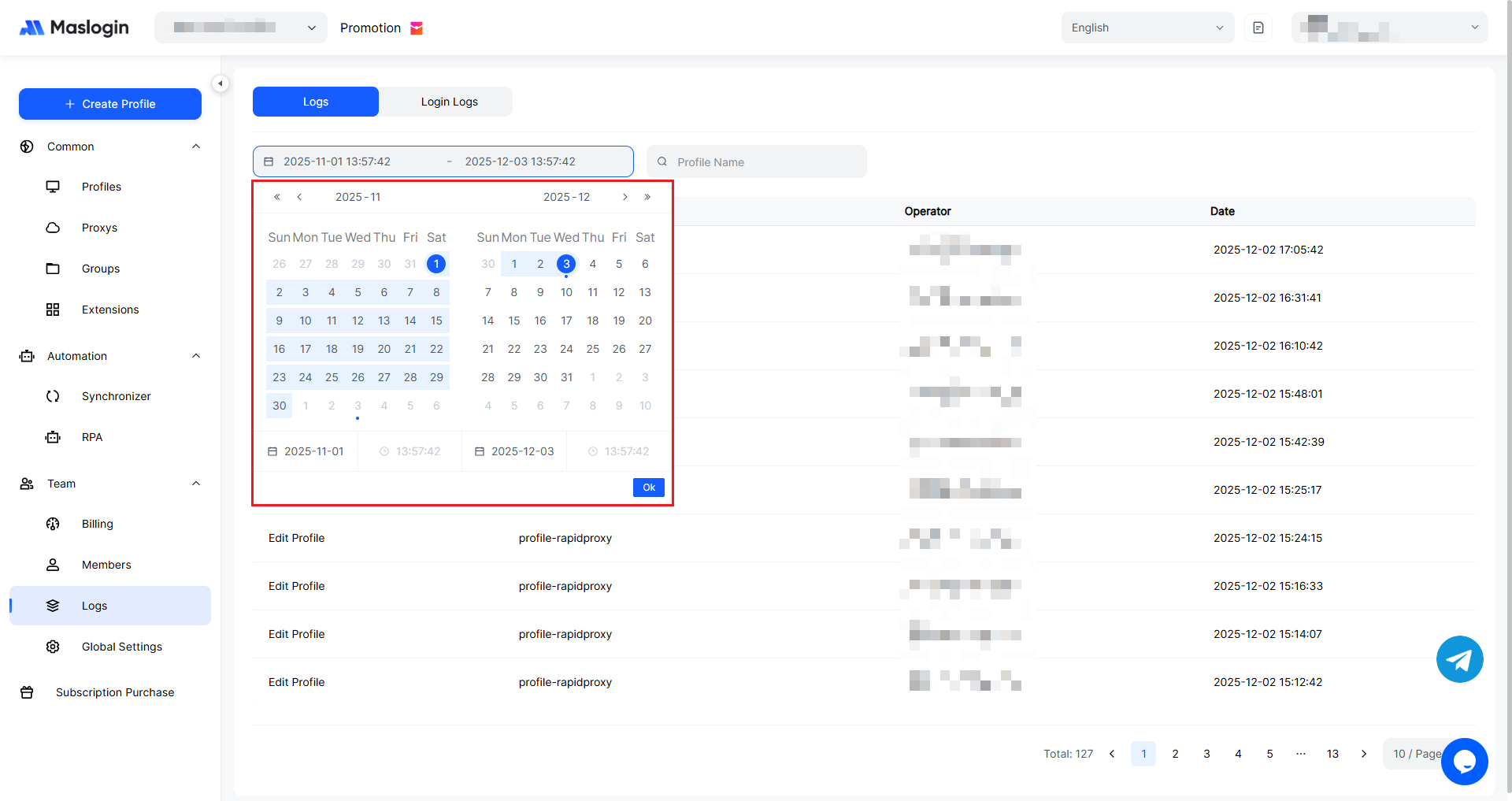
Click the time-point filter next to the date filter to set a time range.
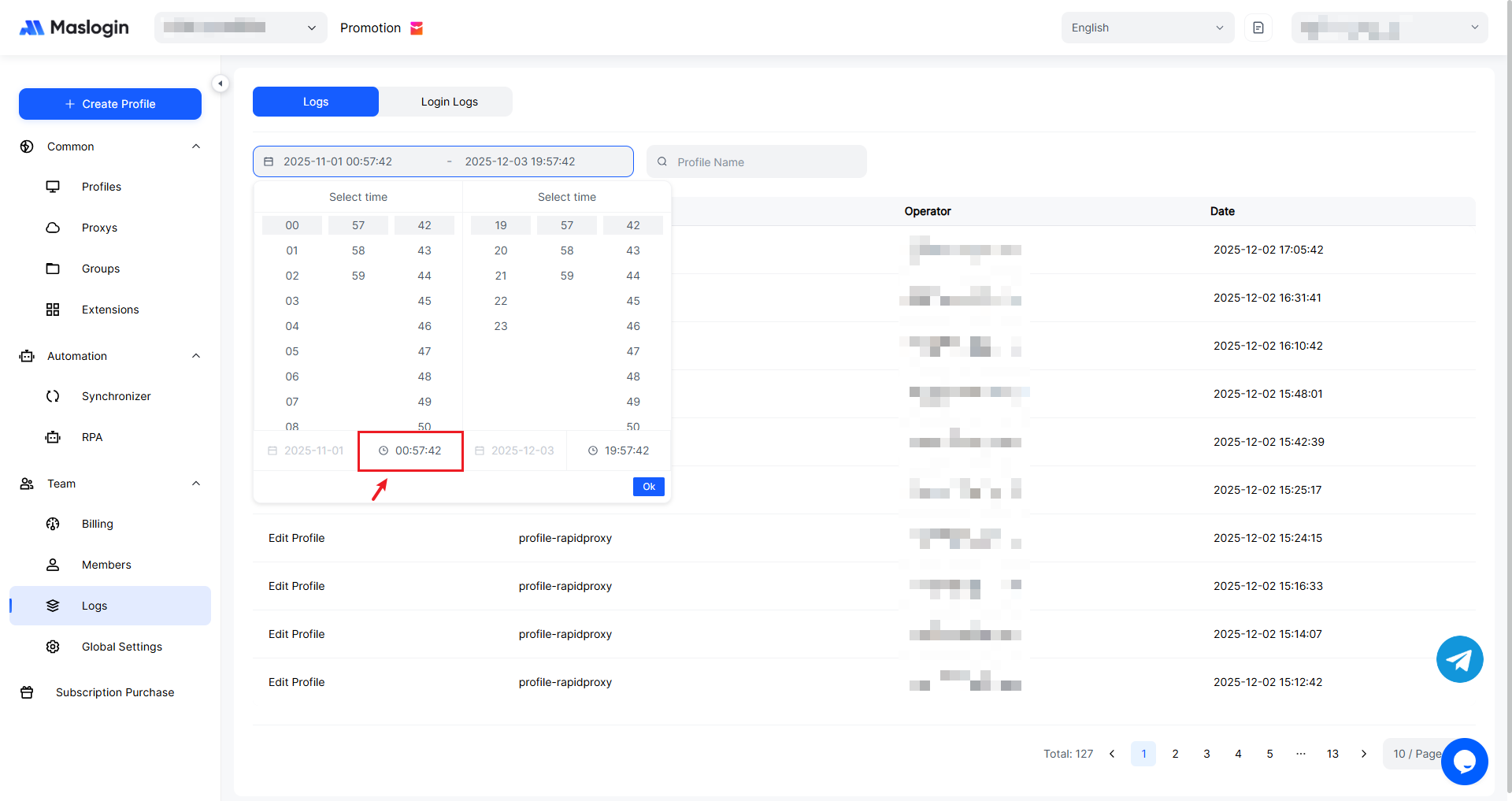
In Name Filter, you can enter an environment name to find operation logs for all environments with that exact name or with that name as a prefix. Time Filter and Name Filter can also be used together.