The creator economy is booming, and OnlyFans has become one of the most lucrative platforms for content creators worldwide. Whether you are an individual content creator, influencer, or artist, mastering the OnlyFans creator account setup is crucial for maximizing earnings and maintaining account security. This guide will walk you through account creation, profile setup, payment verification, content monetization, and tips for multi-account management.
A properly configured OnlyFans creator account ensures:
For more insights on platform policies, visit the OnlyFans Help Center.
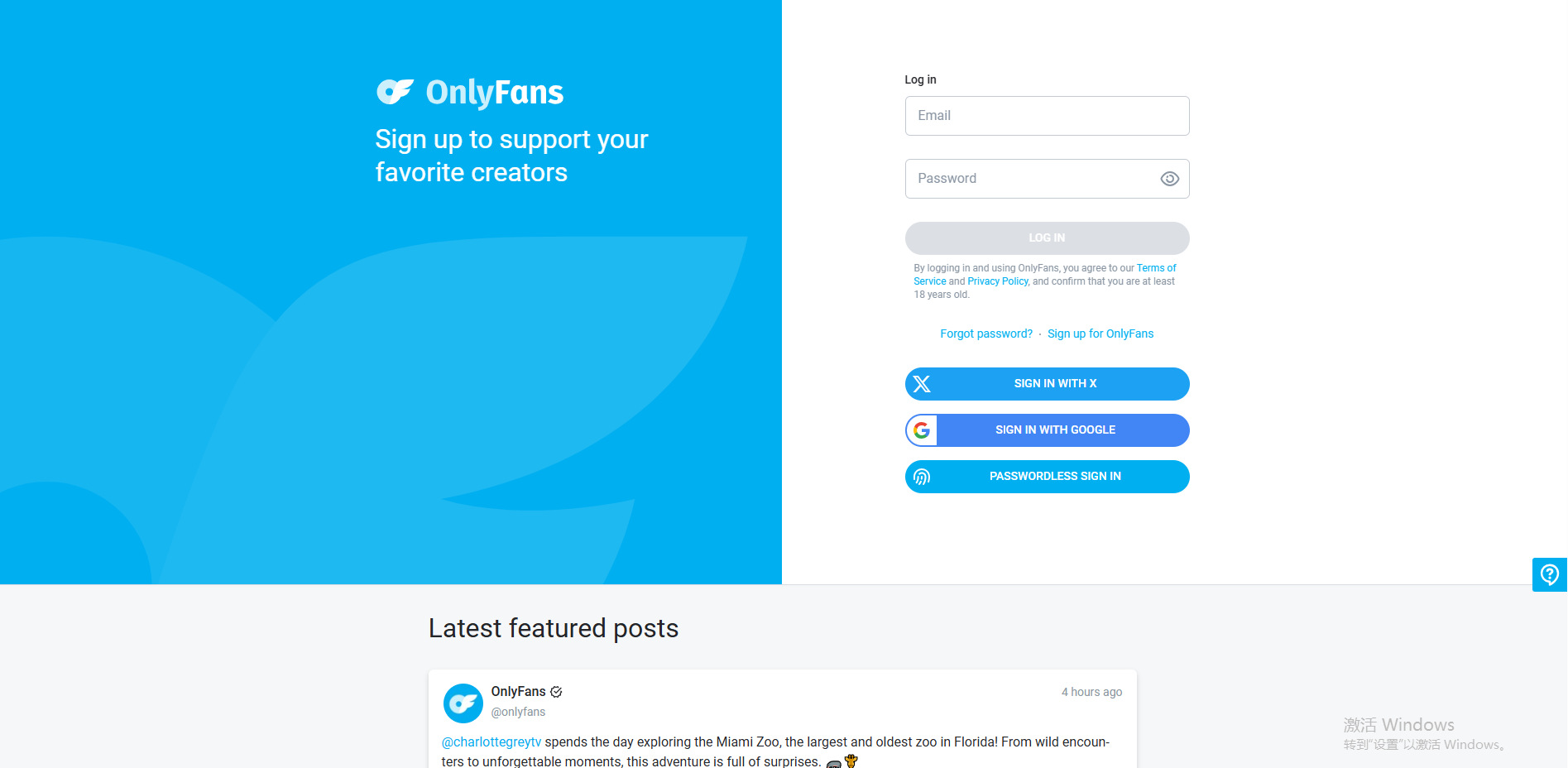
Visit the OnlyFans official website and choose your preferred registration method:
For ease of use, logging in with Google is highly recommended.
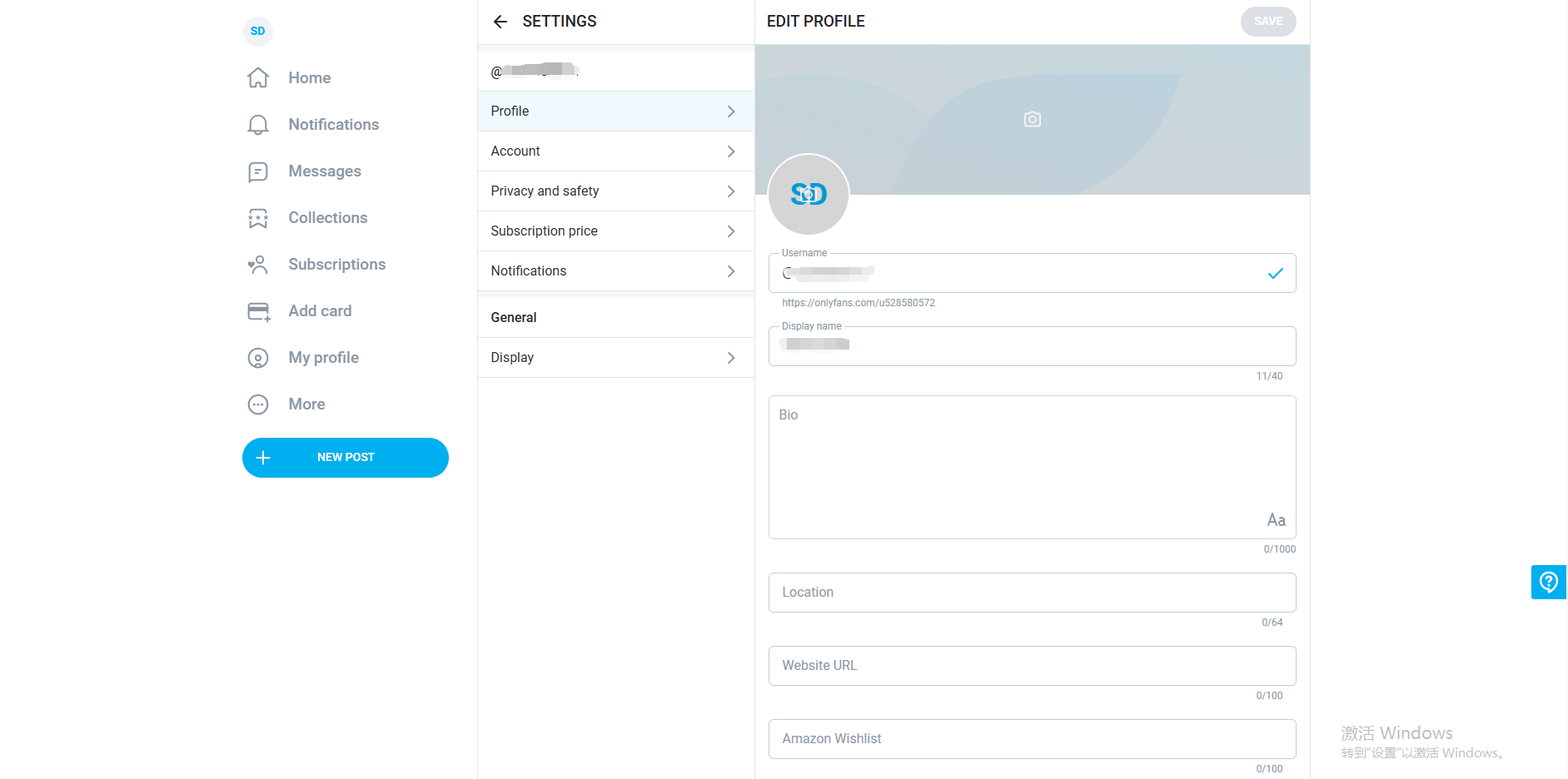
After signing up, navigate to Edit Profile and complete the following fields:
Make sure all information is accurate to prevent verification delays and ensure credibility.
Once your payment information is added, configure your:
Without payment information, subscription options cannot be activated.
Go to Add Card under account settings and provide:
The platform may perform a small authorization charge (usually refunded) to validate your card. Accurate payment info is crucial for withdrawals and earnings collection.
Protect your account by:
Internal link: OnlyFans Account Security Best Practices
After account setup, you can:
A consistent posting schedule and fan interaction are key to long-term success.
Q1: Is registering an OnlyFans creator account free?
A1: Yes, registration is free. However, publishing paid content and withdrawals require verified payment information.
Q2: How can I secure my OnlyFans account?
A2: Enable 2FA, use a strong password, and ensure payment information matches your profile. Tools like MasLogin can help manage multiple accounts safely.
Q3: Can I use Google or X to sign in?
A3: Yes, both Google and X login are supported, but completing your profile and payment info is mandatory.
Q4: How do I set subscription prices and bundles?
A4: After adding payment information, configure subscription tiers and content bundles in your account settings.
Q5: How can I start earning quickly as a new creator?
A5: Ensure a professional profile with avatar/header images, post quality content consistently, engage with fans, and consider MasLogin for multi-account management and workflow automation.
Outline