



Bulk Environment Management
Efficiently Create, Manage, and Operate Multiple Accounts
MasLogin’s Bulk Environment Management feature allows you to easily create hundreds or even thousands of independent browser environments, supporting cross-platform management to ensure account security and isolation while improving efficiency and reducing risks
Trusted by over 20,000 global eCommerce and social media professionals
What Is Bulk Environment Management?
MasLogin’s Bulk Environment Management helps users quickly create and manage multiple independent browser environments, ensuring each account runs in an isolated virtual space to prevent linkage risks. It’s ideal for cross-border eCommerce, social media management, and affiliate marketing scenarios
Bulk Creation and Management
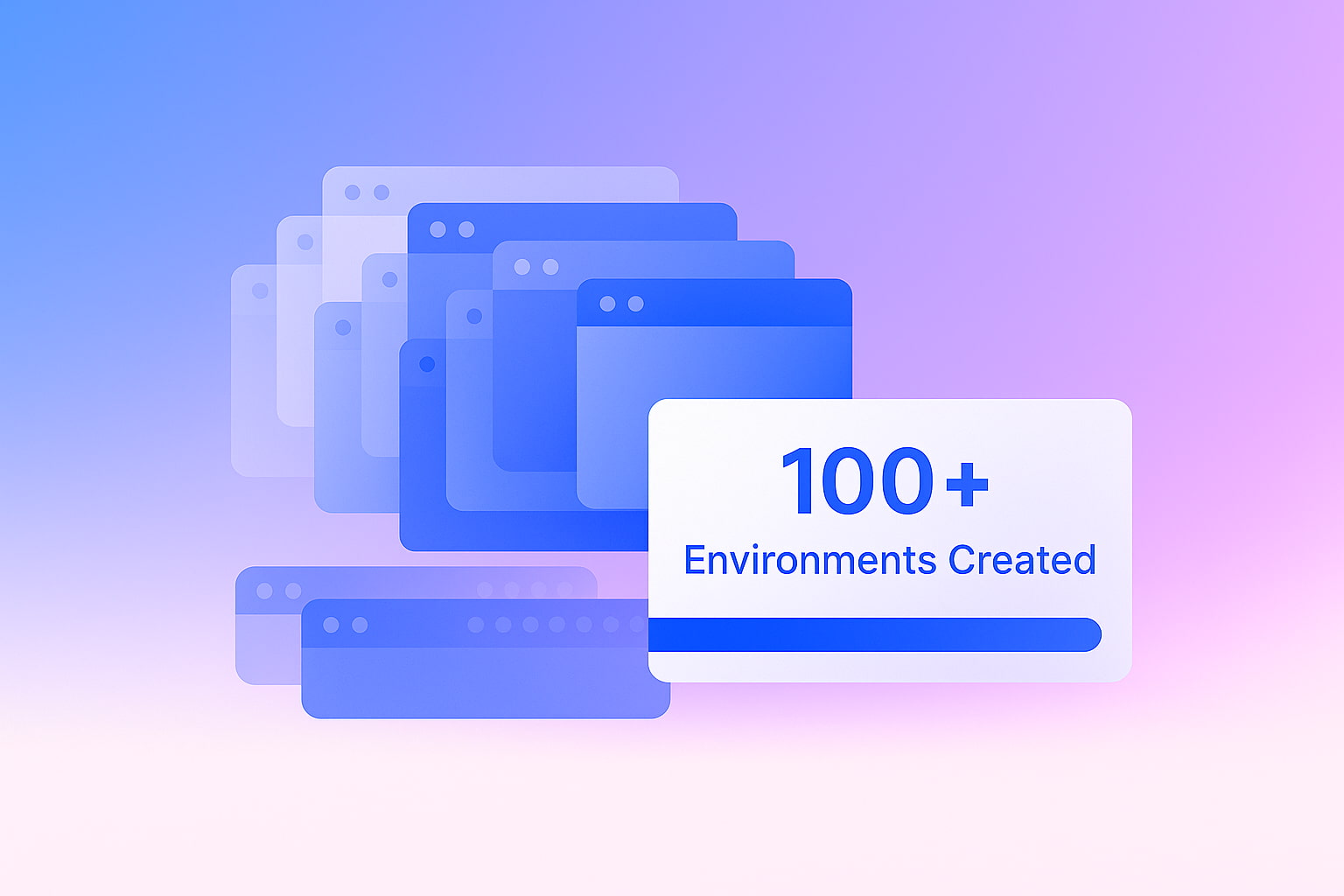
Create multiple independent browser environments with one click. Each environment operates separately to ensure account stability and security.
Independent Environment Isolation
Each environment has unique fingerprints, IPs, cookies, and browsing histories to prevent account linkage and enhance account survival rates.
Efficient Automation
Combine automation scripts with bulk environment management to easily perform large-scale tasks such as mass logins, posting, and commenting, improving operational efficiency.
Why Do You Need Bulk Environment Management?
Efficient Management, Secure Isolation, Reduced Risk
Save Time and Resources
Bulk environment management saves hours of manual work by automating tasks, increasing productivity, and reducing operational costs.
Ensure Account Security
With environment isolation and anti-linking technology, each account operates securely in its own space, avoiding platform detection and bans.
Improve Management Efficiency
Easily create and manage multiple accounts in bulk with scheduling and grouping support for efficient cross-platform operations.
Team Collaboration and Permissions
Support for multi-user collaboration with customizable roles and permissions, ensuring safe teamwork without errors or data leaks.
How to Use MasLogin Bulk Environment Management
Manage Multiple Accounts in Three Easy Steps
Create Bulk Environments
In the MasLogin client, create multiple independent browser environments in bulk, each with unique fingerprints and network settings.

Assign Accounts to Environments
Distribute multiple accounts across different environments to ensure each account runs in isolation, avoiding cross-linking risks.
Automate and Monitor Tasks
Launch automation to perform mass logins, posting, and commenting while monitoring task progress in real time for reliable execution.

Why Choose MasLogin Bulk Environment Management?
Not Just Secure — Smarter and More Efficient
Independent Isolation and Anti-Linking
Each account operates in a fully isolated environment with separate fingerprints, IPs, and cookies, preventing account linkage risks.
Bulk Environment Creation and Management
One-click creation of multiple browser environments with customizable configurations simplifies large-scale account management.
Automation and Task Scheduling
Supports automated bulk task execution with scheduled operations for timely, cross-platform workflow completion.
Team Collaboration and Role Management
Allow multiple team members to manage environments and accounts collaboratively with assigned roles and permissions.
Integration with Automation Scripts
Integrate with RPA automation to execute bulk operations with minimal manual intervention, improving efficiency.
Cloud Sync and Backup
Support for cloud synchronization and backup to secure data and operation history, enabling account management anytime, anywhere.