In the realm of digital marketing, managing multiple client social media accounts simultaneously has become the norm. Whether you're a freelancer, an agency operator, or a social media manager within a company, the core challenge everyone faces is how to enhance operational efficiency while maintaining content quality.
This article delves into real pain points and combines them with the practical experience of industry experts to break down how to scientifically manage social media platforms for 6-8 clients, offering actionable solutions and tool recommendations.
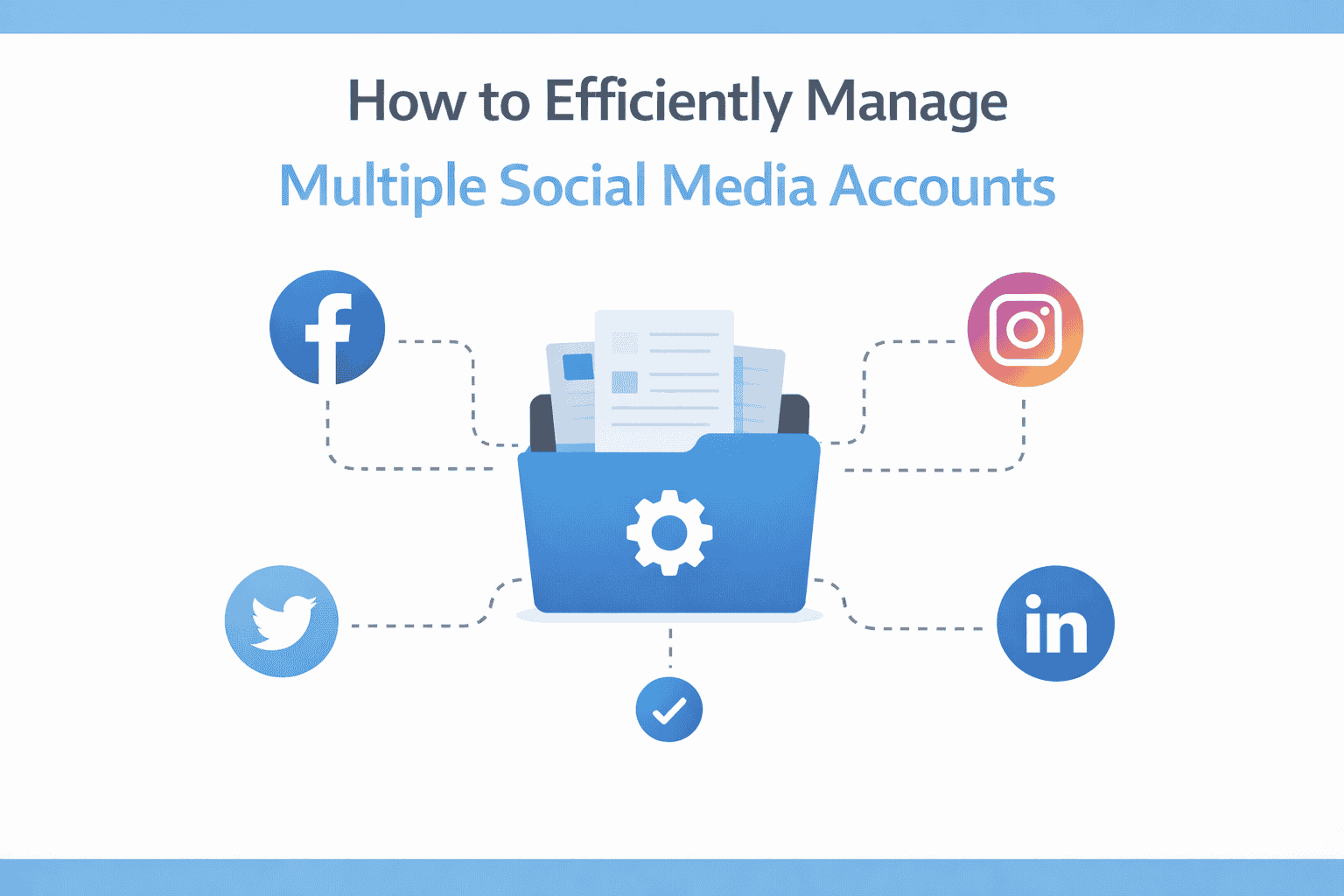
When you need to manage multiple clients' Facebook, Twitter, LinkedIn, and other platforms simultaneously, if you're still manually logging into each account to post content, reply to comments, and view data, it's not only time-consuming but also prone to operational errors due to frequent account switching, potentially even triggering platform security mechanisms and being mistakenly identified as abnormal behavior.
Real-life Example: A marketing team manages 8 client accounts and needs to post over 20 pieces of content daily. If done manually, just logging in and out of accounts consumes a significant amount of time, let alone content editing, image creation, and data tracking.
Different social platforms have varying attitudes towards third-party tools. For instance, Facebook may reduce the organic reach of content posted through third-party scheduling tools (like Hootsuite, Buffer), sometimes by over 100%. This means the same content might perform two to three times worse when posted via a tool compared to manual posting.
Why does this happen? Platforms want users to be active within their ecosystem to increase advertising revenue. Bypassing the platform itself by using third-party tools is naturally "punished" by the algorithm.
Even if you're creating content and analyzing data for clients daily, a lack of regular reporting and communication can easily lead clients to question, "What exactly am I paying for?". This mistrust can accelerate, especially when clients are busy and cannot monitor social media dynamics in real-time, ultimately leading to the termination of the partnership.
The first step to addressing the pain points above is selecting the right combination of tools. However, it's important to note: tools are merely a means; strategy is the core.
Many operators worry that "posting the same content multiple times will annoy users." In reality, due to social media algorithms, your followers won't see every single post. On Twitter, sharing the same content 5-10 times can bring more than double the traffic because different audiences are reached each time.
Practical Advice: Use tools like MeetEdgar to set up a content recycling queue, allowing high-quality content to be automatically reposted at different times, rather than being "posted and forgotten."
In actual operations, tool selection is a superficial issue. The deeper challenge lies in how to avoid being detected as abnormal behavior when switching between multiple accounts, and how to make team collaboration more efficient and secure.
This is precisely where MasLogin, the anti-detection browser, offers its core value.
Suppose you're managing 6 different client Facebook accounts, each requiring regular content posting, replying to private messages, and checking ad data. If you frequently switch between these accounts on the same computer and browser, Facebook's risk control system is very likely to identify it as:
The result? Accounts get banned, clients complain, and business is disrupted.
MasLogin is an anti-detection browser specifically designed for secure multi-account management. It helps you bypass platform risk controls through the following methods:
Let's take "managing 6 client Facebook accounts" as an example to detail how to implement this with MasLogin.
Repeat this step for the remaining 5 clients' accounts, creating separate browser environments for each.
If you need an assistant to help manage an account:
Beyond tools and technical optimizations, communication and reporting are also core components of multi-account management.
Create a standardized reporting template for each client, including the following aspects:
Tip: Regardless of when a client contract begins, send reports uniformly on the last day of each month (instead of per contract cycle). This allows you to focus on batch report creation rather than fragmented processing.
Key Principle: Even if clients are busy and don't read reports, you must make them perceive that you are working. This "presence" is a crucial guarantee for contract renewals.
If you have the ability to choose clients, it's recommended to focus on the same industry or field. For example:
Why do this?
Bans typically result from: frequent IP switching, abnormal login behavior, and content violations. Using MasLogin to configure independent environments and stable proxy IPs for each account can significantly reduce risks. Additionally, avoid posting large amounts of repetitive content or performing sensitive operations (like mass friend requests) in a short period.
If you want content to automatically cycle and be reused, choose MeetEdgar. If you only need basic multi-platform scheduling features, Buffer is simpler and easier to use. Neither is recommended for Facebook posting; use the platform's native features instead.
Not reading reports doesn't mean they don't care. The key is to maintain communication frequency and let clients perceive your work progress. You might try incorporating more visual elements (charts, screenshots) into reports or switching to a video reporting format.
Use MasLogin's sharing feature to allow team members to access specific browser environments without sharing account passwords. Simultaneously, you can set different permission levels (view, edit, manage) to reduce the risk of accidental operations.
Not recommended. Real-time data fluctuates greatly and doesn't reflect trends, potentially causing client anxiety. It's best to set fixed reporting schedules weekly or monthly, accompanied by comparative analysis and improvement suggestions to demonstrate professionalism.
Managing multiple social media accounts is never as simple as "posting a few pieces of content." It involves tool selection, understanding platform rules, client communication, team collaboration, and multiple other dimensions.
Truly efficient operators know how to leverage technological means to improve efficiency (like MasLogin for account isolation and MeetEdgar for content reuse) while creating value through strategic thinking (like vertical specialization and standardized processes).
If you're feeling anxious about multi-account management, try implementing one or two of the tools and methods mentioned in this article. Remember: small steps, rapid iteration, and continuous optimization are far more effective than aiming for perfection all at once.
Want to learn more about the application of anti-detection browsers in social media operations? Visit the MasLogin Help Center for detailed tutorials or read more practical case studies on the MasLogin Blog.
Outline