Managing brand social media accounts can be utterly exhausting. One minute you're posting a video on TikTok, the next you're crafting a carousel for Instagram. Not to mention the professional content waiting to be updated on LinkedIn and the need to keep Pinterest active. You have to research competitors, develop strategies, manage your community, respond to comments, and still find time for other work – it feels like an impossible task.
But the good news is: there's a tool that makes it all simple, and it's completely free.
The challenges social media marketers face go beyond simply "posting." As the number of platforms grows, the problems become more complex:
This multi-front battle is not only inefficient but also increases the risk of neglecting a platform due to oversight, potentially damaging the overall brand image.
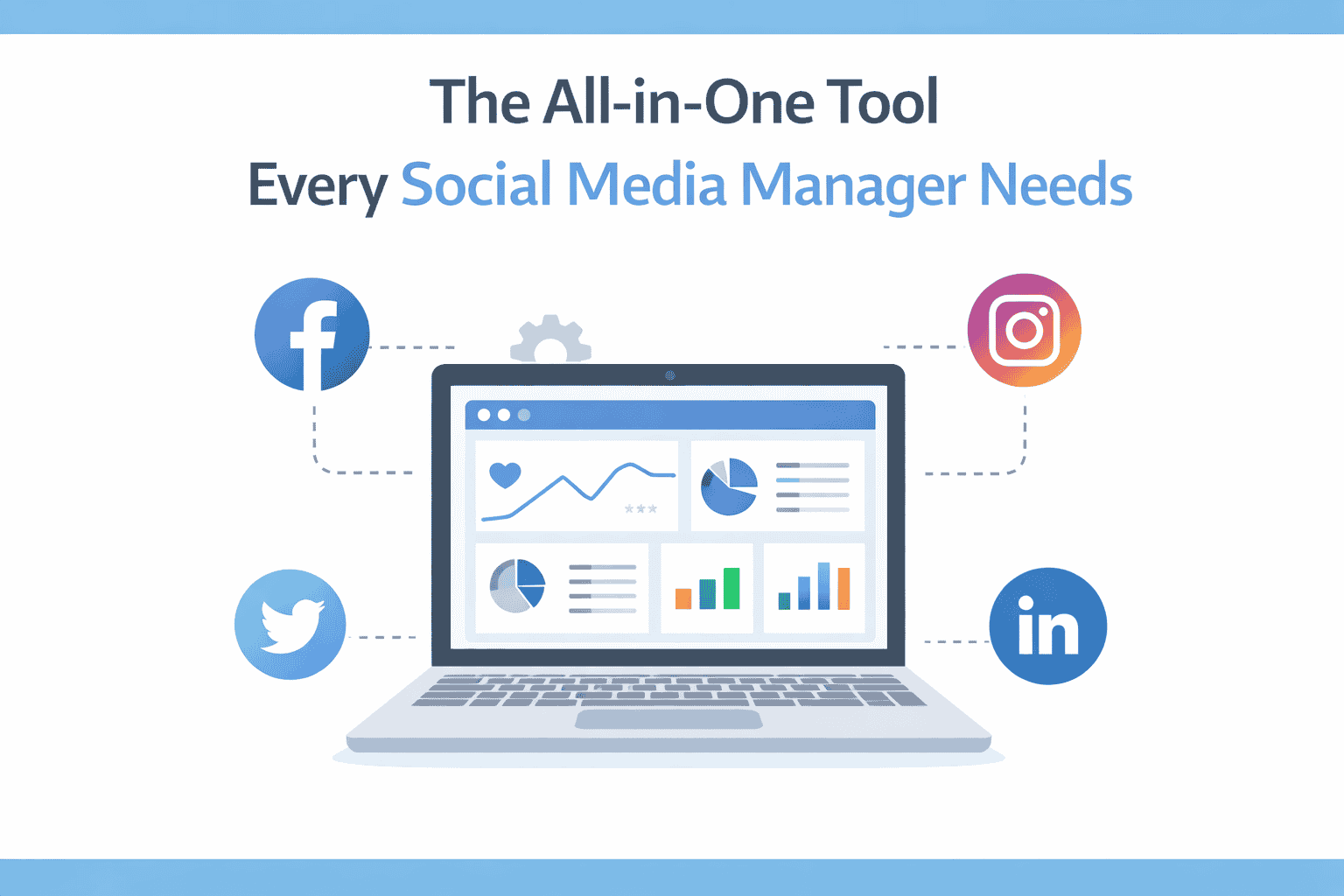
Professional social media management tools are revolutionizing how marketers work. Metricool, an all-in-one social media management platform, offers a complete workflow solution, from strategy development to content publishing, data analysis, and community engagement.
Whether you're an individual creator, a small team, or a brand, you can significantly boost your work efficiency with this tool. Let's dive into practical scenarios to see how to make the most of it, step by step.
Blindly posting is a major pitfall. Effective marketing strategies must be built on real data, including understanding audience demographics, defining business objectives, and planning long-term.
Step 1: Overall Health Check
Navigate to the Analytics section in Metricool, and under the Summary, you'll find:
For example: You might have more followers on Instagram, but data might reveal that LinkedIn has more active comments and shares. This indicates that in-depth content is better suited for LinkedIn, while Instagram is more effective for visual communication.
Step 2: Content Performance Comparison
For instance, if you discover that carousels get significantly more impressions than single images, that's a clear signal: your audience prefers this format, so you should increase the proportion of such content.
Step 3: Deep Dive by Metrics
Analyze by engagement rate, reach, likes, etc., to understand content performance from different angles. This helps you identify "fake hits" that seem popular but have low actual conversions, and "quality content" that might have average data but accurately reaches your target audience.
No more manually browsing competitor profiles. Metricool's competitor analysis feature allows you to:
For example, add Nike and Adidas accounts, and you can see their post performance, engagement ratios, and content strategies. This isn't about copying, but about learning from successful examples and finding your own unique angle.
Publishing content is just the first step; engaging with your audience is key to building a community. Responding quickly to comments and direct messages makes users feel valued and enhances their sense of belonging.
Open the Inbox feature:
Quick Reply in Three Steps:
Set Up Quick Replies:
If you frequently receive repetitive questions (e.g., "shipping time," "return policy"), you can pre-save standard reply templates. The next time you encounter a similar query, simply select the corresponding reply, saving you typing time.
This feature is particularly beneficial for brands with high customer service volume, improving response speed without increasing headcount.
Last-minute efforts are a major no-no. Planning content in advance ensures a consistent posting rhythm and prevents gaps due to being busy.
Step 1: Identify Optimal Posting Times
Metricool's Planner recommends the best posting times based on your followers' activity. This isn't generic data but is based on your audience's actual behavior.
Step 2: Create Content
Step 3: Preview and Optimize
Especially for Instagram content, preview how the post will look on your profile to ensure visual consistency.
Step 4: Add Details
When you're out of ideas, click the robot icon and input your request:
"I need a TikTok caption for Mother's Day, targeting a beauty-loving audience."
Then, select the tone, language, and platform, and the AI will generate multiple caption options for you to choose from. You can use them directly or modify them.
Once your posting schedule is set, content will be published automatically at the designated time. This means:
This feature is especially crucial for brands operating across different time zones or individual creators who travel frequently.
Metricool not only manages organic content but also supports social ad analysis. You can:
The advantage of this approach is that content that has already been validated by your audience is likely to have a higher conversion rate when running ads, eliminating the need for blind testing.
The ad dashboard displays performance data for each campaign, and you can even perform simple ad optimizations within Metricool, without switching to each platform's ad manager.
If you manage multiple brand accounts or if team members need to collaborate on social media operations, you also need to consider account security and collaboration efficiency.
Scenario 1: Multi-Account Management
Suppose you manage 5 different Instagram accounts for various brands simultaneously. If you log in from the same computer and the same browser, platforms can easily detect the association, leading to account bans.
Scenario 2: Team Collaboration
When different team members log into the same account from various locations, frequent changes in IP and device information can be flagged as suspicious activity by the platform.
Create Independent Browser Environments:
Each account gets its own unique browser fingerprint (Cookies, User Agent, Canvas, etc.), making it impossible for platforms to detect connections between them.
Assign Different Proxy IPs:
Configure a dedicated IP for each account to simulate real user logins from different locations, reducing the risk of detection.
Team Member Permission Management:
Admins can assign specific account access permissions to team members, preventing everyone from sharing a single login device.
This ensures both account security and efficient collaboration. You can find more configuration tutorials in the MasLogin Help Center.
For individual creators and small teams, the free version is perfectly adequate. It's not a "7-day trial" or a "feature-limited version" but a truly perpetual free plan that includes:
If you need more features in the future (such as advanced data reports, more account connections, etc.), you can always upgrade to a paid plan.
It supports major platforms including Instagram, Facebook, Twitter, LinkedIn, TikTok, Pinterest, YouTube, Google Business, and others. You can manage all your accounts from a single interface.
The free version allows connecting a limited number of accounts, suitable for individuals or small teams. The paid version allows connecting more accounts, accessing more detailed data reports, and using advanced automation features.
It's recommended to use it in conjunction with MasLogin Anti-Detection Browser. Create independent browser environments and proxy IPs for each account to prevent platforms from detecting account associations.
AI-generated copy can serve as an inspiration starting point, but it's advisable to modify it based on your brand's tone and audience characteristics. It helps save brainstorming time, but human oversight is still necessary for the final content.
Yes. Before the scheduled publishing time, you can edit the copy, change media, or adjust the posting time at any point. It offers high flexibility.
Outline